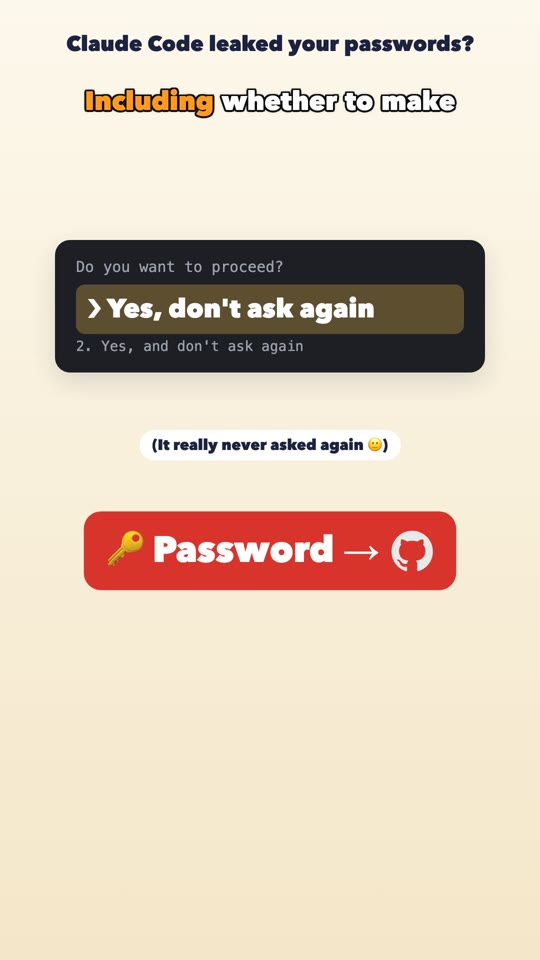
"Don't ask again" saves the full command, passwords included, to .claude/settings.local.json. Apiiro found 1,122 of these files on GitHub with real keys. How to check yours and fix it.
When you pick "Yes, and don't ask again", Claude Code copies the command word for word into .claude/settings.local.json. If a password was in the command, it's now in that file in plain text, and committing the file puts it on GitHub.
Apiiro collected 104,185 public files in early November: 1,122 had real keys (1,379 in total), and counting commit history and other files, 2,539 keys across about 2,000 repos. TruffleHog caught 57%, gitleaks 50%, and nearly 1 in 5 slipped past both. Claude Code's global-ignore safeguard only applies when it first creates the file.
Check with git log --all -- .claude/settings.local.json. If there's output: replace every key first, then git rm --cached and add the file to .gitignore, keep passwords in environment variables, and turn on GitHub secret scanning and push protection. Numbers are from Apiiro's own report; Apiiro sells security products.
Video transcript
Have you ever clicked "Yes, and don't ask again" in Claude Code? Congratulations. It really never asked again. Including whether to make your password public.
Before Claude Code runs a command, it politely asks: is this OK? Pick "Yes, and don't ask again", and it copies that command, word for word, into a file called settings dot local dot json. Problem is, it takes notes a little too well. If your database password was right there in the command, it gets copied too. In plain text. Commit the file, and your password catches a ride to GitHub. One-way ticket.
In early November, the security firm Apiiro went digging on GitHub and found over a hundred and four thousand of these files. One thousand one hundred and twenty-two had the real thing inside: thirteen hundred and seventy-nine keys. Six hundred thirty-six service keys, seven hundred forty-three passwords and tokens. Add commit history, team settings and AI chat logs, and it's over twenty-five hundred, in almost two thousand public repos. Everybody's passwords, having a class reunion on GitHub.
Claude Code does have a safeguard: it adds this file to your global ignore list. But only the first time it creates the file. New repo, fresh clone on another computer, or a file that was committed before? The safeguard has clocked out. Secret scanners? TruffleHog caught fifty-seven percent, gitleaks fifty, and nearly one in five slipped past both. Boris Cherny, who leads Claude Code, said they're working on it. Meanwhile, check for yourself.
In your project folder, run this: git log, dash dash all, followed by the path to this file. No output? Congratulations. Any output means it's been in git. Keep watching.
One: replace every key in that file first. Deleting the file isn't enough. Git remembers better than you do. Two: git rm, dash dash cached, to take it out of the repo, then add it to gitignore. Three: keep passwords in environment variables, not in the command. And turn on GitHub's secret scanning and push protection, so a commit carrying keys gets stopped at the door.
One last note: these numbers come from Apiiro's own report, and Apiiro sells security products. When the umbrella seller says it'll rain tomorrow, he might be right, but you know why he's watching the weather. The rest of this week's AI news is in our full video.
 Build with AI